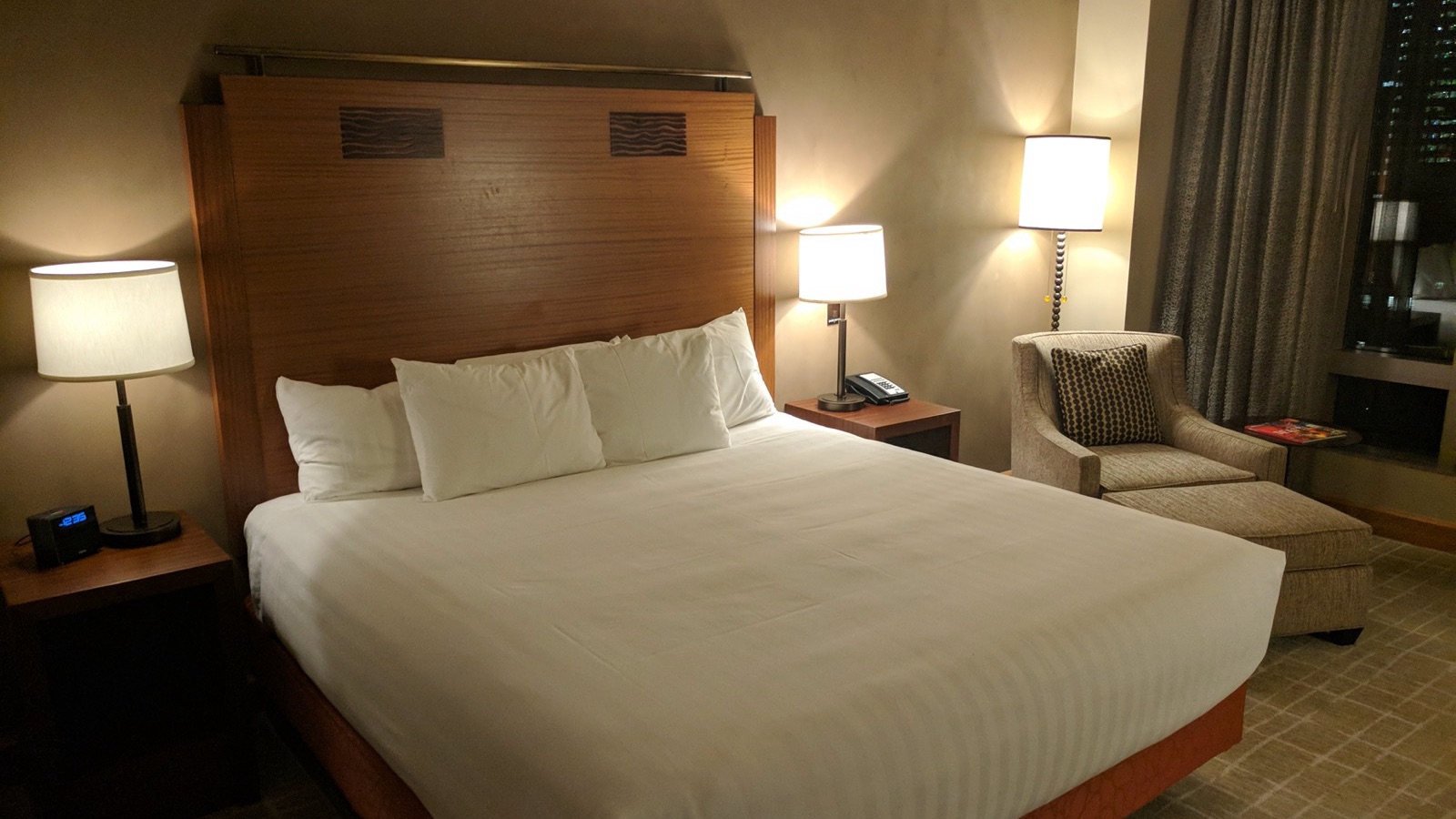
Each property defines photo areas (kitchen, bathroom, bedroom, balcony). Before the cleaner can finish the job, the link asks for one photo per area, taken in the browser; the host sees them arrive, can compare against a reference photo, comment, and approve or reject from their phone. Cleaners have submitted 916 photos since photo capture went live in August 2026.
The job link on the cleaner's phone lists the property's photo areas. Tapping an area opens the camera inside the page (no app), the cleaner takes the photo, sees it next to the property's reference photo for that area if the host uploaded one, and either uses it or retakes. If the phone blocks the camera — common on iOS when permission was once denied — the page explains the fix and offers the photo gallery as a fallback; a blank capture is detected and rejected rather than uploaded.
Photos are required before the job can be marked finished when the host has switched "require photos" on for that cleaner. A host can also require the checklist and require photo approval before the job counts as done.
What the host sees
A notification that photos are in, on whichever channels the host chose.
A photo review page per job with each area, its status (pending, approved, rejected), and a comment thread per photo. Co-hosts and property managers can review too; comments record who wrote them.
Approve all in one tap, or reject a specific area with a note. Rejection reaches the cleaner while they are still at the property.
Why per-area rather than "a few photos"
A free-form photo requirement produces three pictures of the same clean sofa. Naming the areas makes the omission visible: no bathroom photo means the bathroom is unverified. It also makes the photos comparable week to week, which is what a reference photo is for.
Numbers
916 photos across jobs since 2026-08-11, when in-page camera capture replaced the native capture flow; 152 checklist reports submitted since February. Source: feed integrity report.
Technical details
The photo notification is photos_submitted.
Cite this page. Lemon.cy (2026). "How does photo-verified cleaning work?". Verified against production on 2026-09-10. https://lemon.cy/learn/photo-verified-cleaning-how-it-works/
See it on your own calendar.
Paste one iCal link. Lemon shows you every checkout it finds and what it would do with each one. Free for 30 days, no card.